Guide
Editing an Already Sent Broadcast
Fix typos or update details after sending. Edit a broadcast once and Pinguin updates the message across every channel.
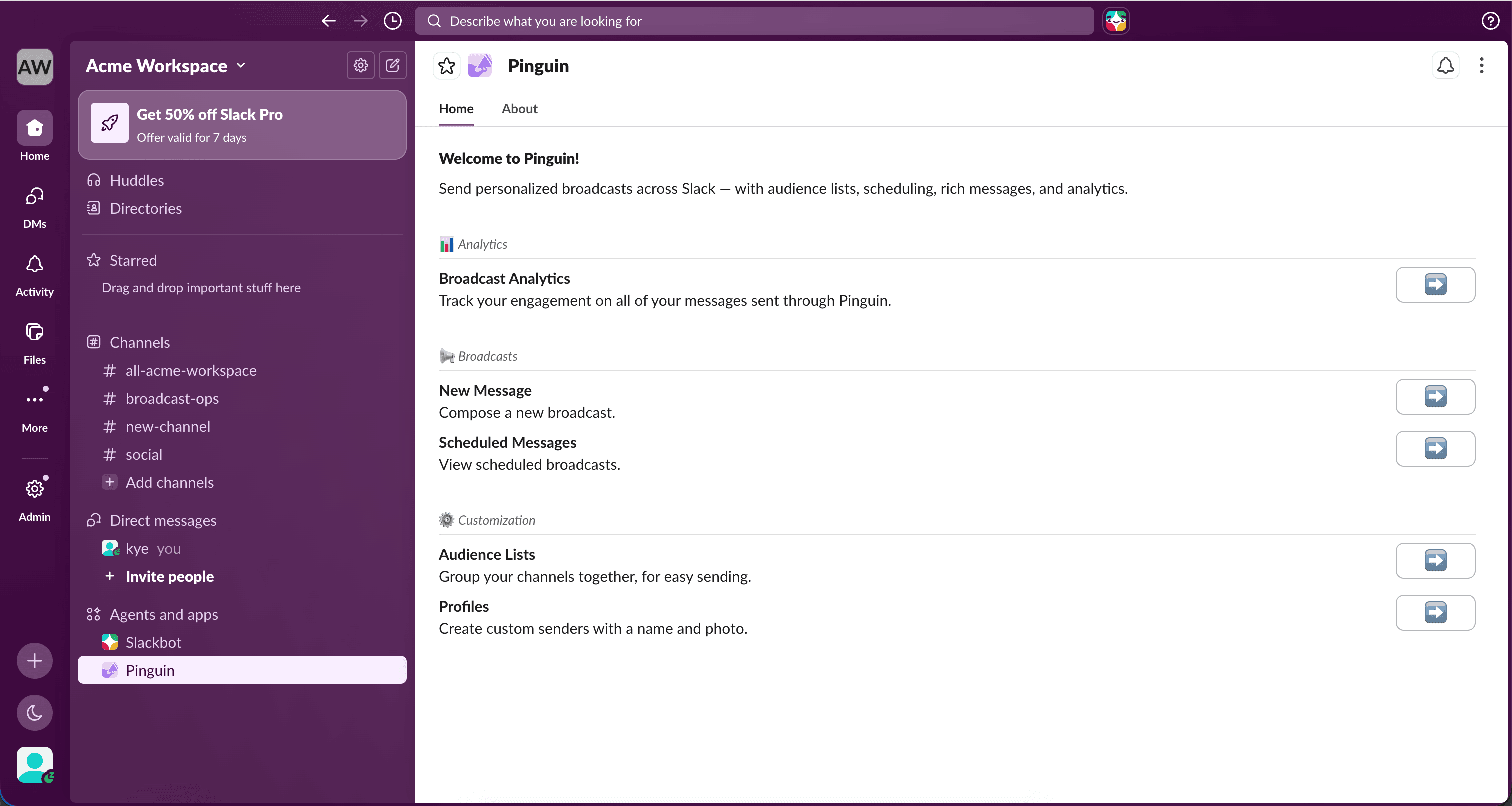
Open Broadcast Analytics
Head over to the application home and view the "Broadcast Analytics" section.
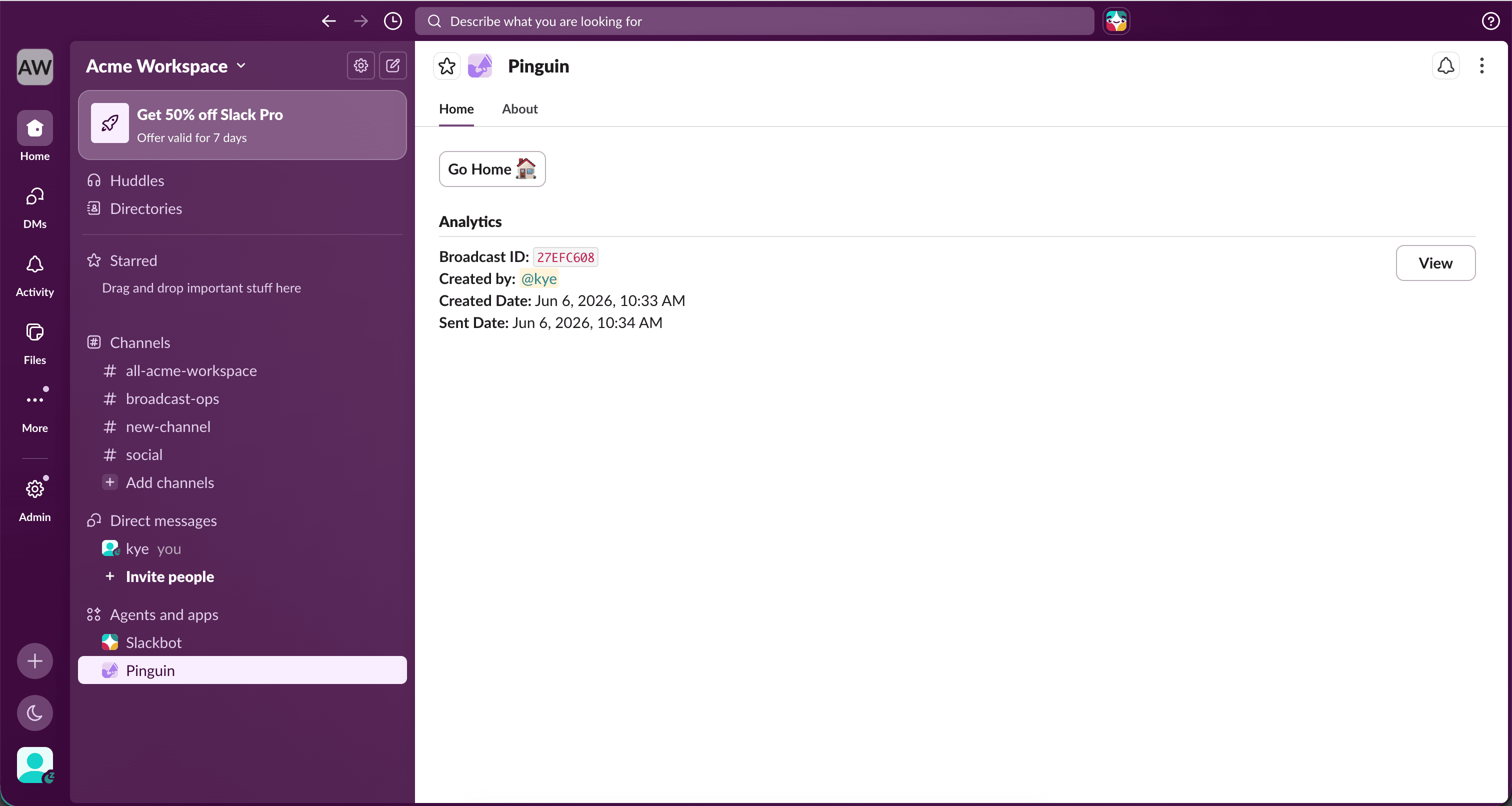
View the broadcast
Press "View" on the relevant broadcast.
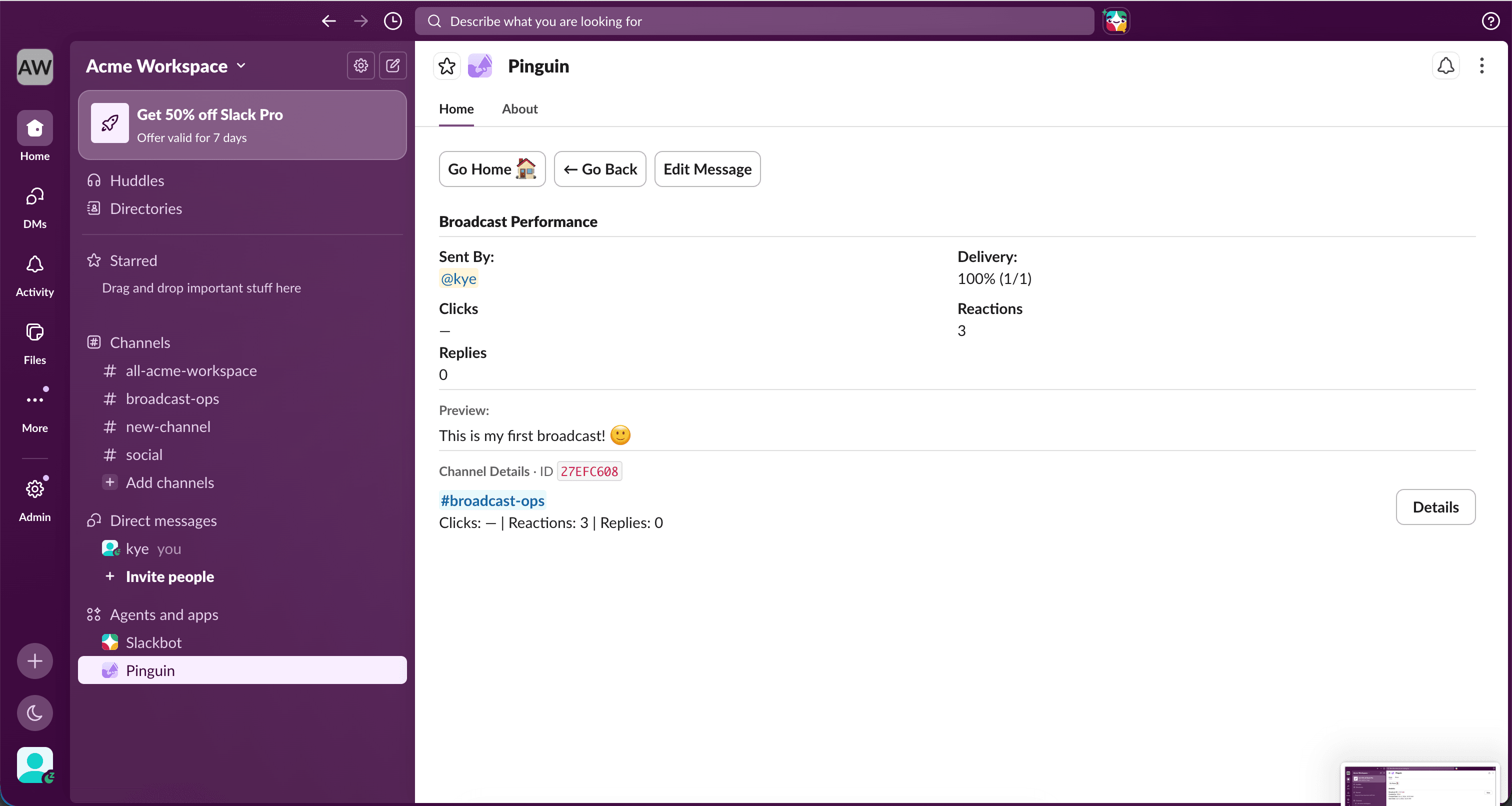
Edit Message
Press "Edit Message" to open the composer.
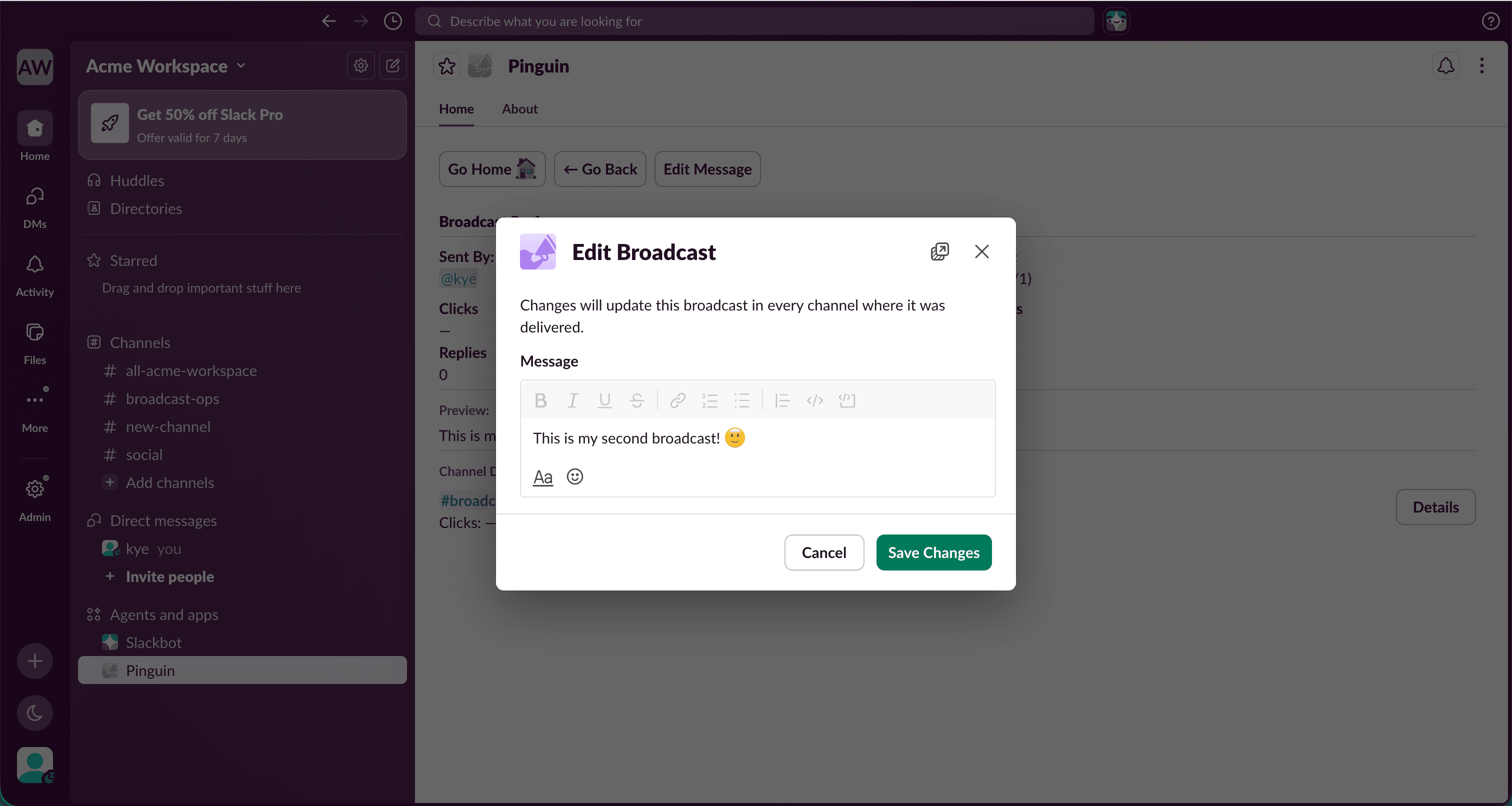
Save your changes
The message composer will appear where you can edit your message. When you're done, press "Save Changes".
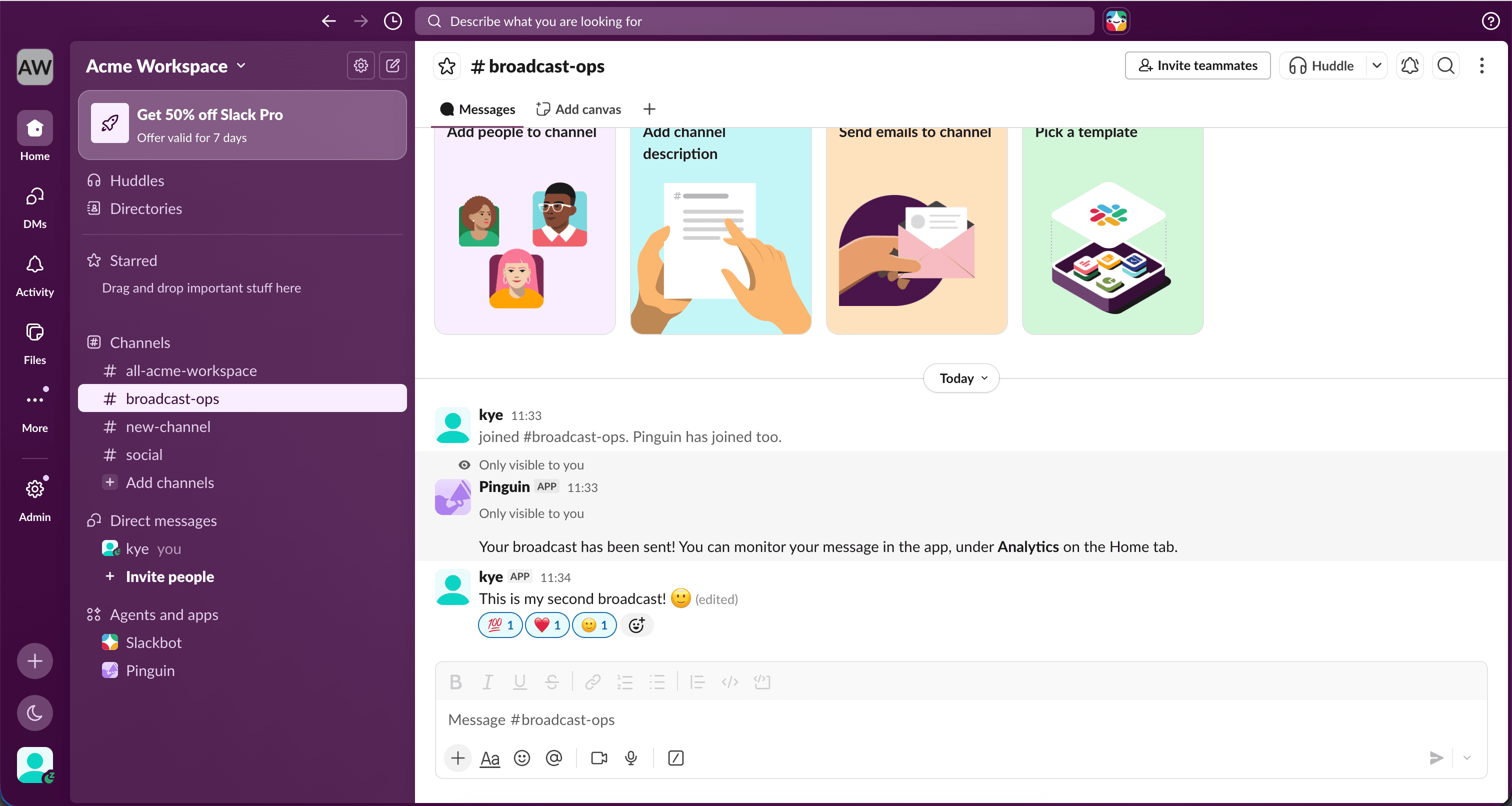
Message updated
Your message will have successfully updated across all channels.